
Invoice before the truck leaves.
Voice Invoice Pro turns spoken job details into a clean invoice, captures the customer signature, and sends the bill while the work is still fresh.
The invoice gets slower exactly when the job should be closing.
Most field apps ask technicians to type, tap through accounting screens, or finish paperwork later. That delay costs cash flow, accuracy, and customer trust.
A complete signed invoice in four field actions.
The product stays narrow on purpose. It does not try to replace a full field-service suite; it wins the job-site invoicing moment.
Describe the work
Technicians dictate labour, parts, materials, quantities, rates, and corrections.
Confirm customer
Name, email, phone, and service address are parsed and editable before signature.
Capture signature
The customer reviews the invoice and signs directly on the phone.
Email or print
Send, print, or do both; failed sync and email work are queued for retry.
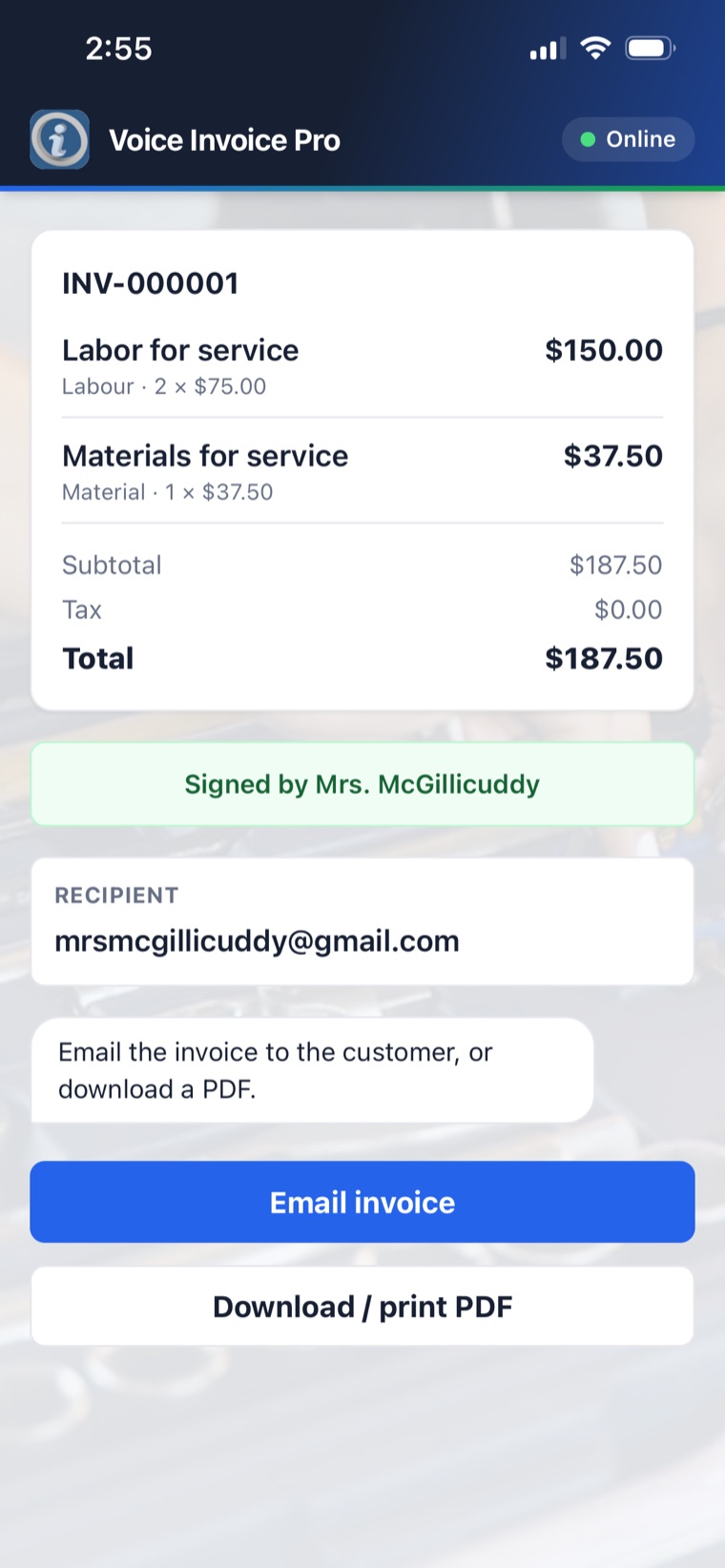
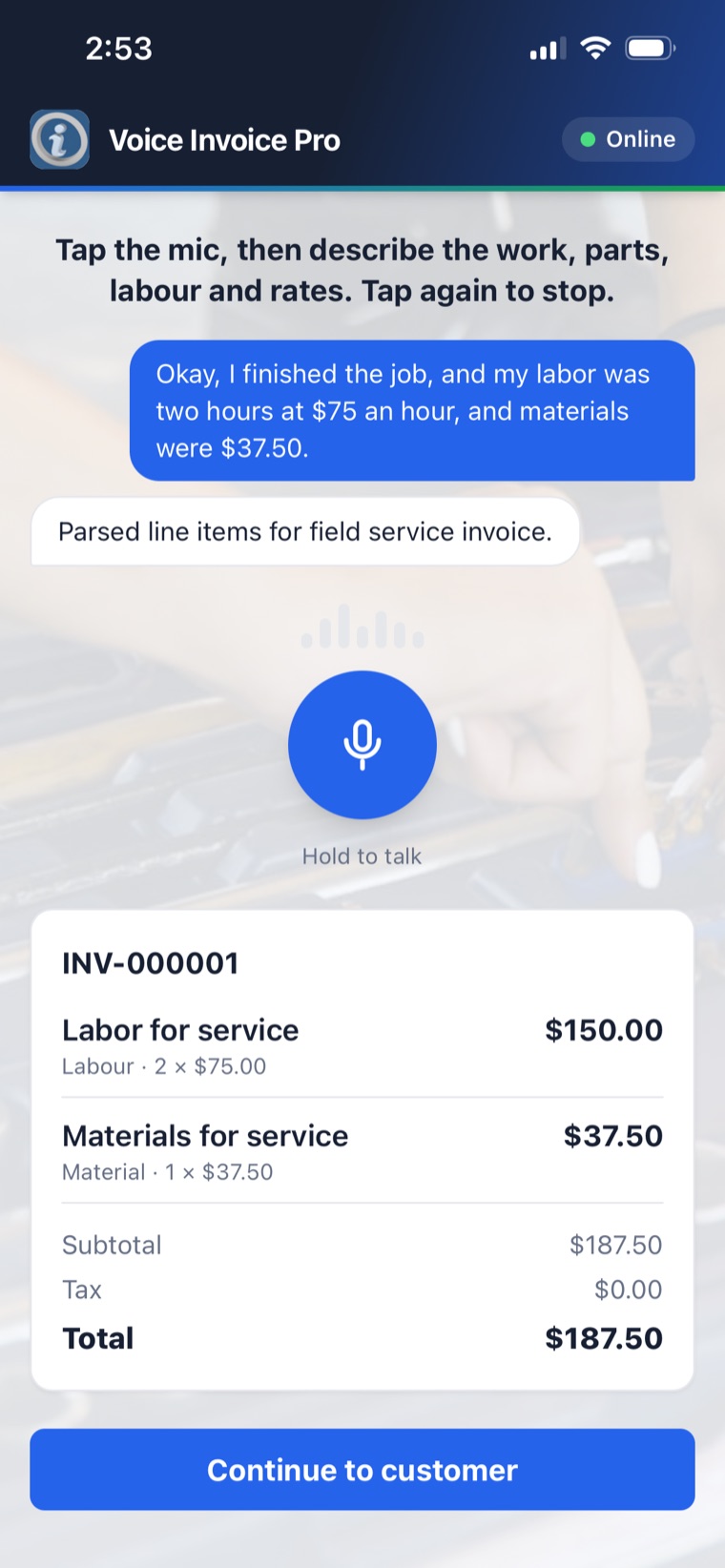
Fast enough for the field. Structured enough for the back office.
Voice Invoice Pro keeps the technician interface simple while still capturing the data a business needs later: line categories, service address, customer contact, signature, delivery method, sync status, and payment status.
One technician, one simple price. Scale up when you need more.
Every plan includes voice-first invoicing, offline capture, signatures, email and print delivery, and your own Stripe card payments. Billed monthly in USD. Cancel anytime.
For the independent tradesperson invoicing on the job.
- Voice-to-invoice with AI line items
- Offline-first capture & sync
- Signature, email & print delivery
- Accept card payments (your Stripe)
- Standard support
- Reporting & CSV export
- White-label branding
For growing shops that need reporting and faster help.
- Everything in Solo
- Reporting & CSV export
- Priority support
- White-label branding
For brands and networks that want the app to be their own.
- Everything in Team
- White-label branding (name, logo, colors)
- Priority support
Card processing fees are billed by Stripe directly to your own connected account. Need annual billing or a custom network deal? Talk to us.
White-label invoicing for service brands, distributors, and local trade networks.
Each branded build can carry its own name, icon, colors, logo, company identity, tenant API key, tax defaults, and backend data separation.
Start with the invoicing moment. Expand only where customers pull.
Voice Invoice Pro is designed as a wedge product: close the job, capture the signature, deliver the invoice, and keep the back office synchronized.